Feature implementation
Give learners a place to capture what matters.
We can add a private, auto-saving notebook beside your course so learners build a personal learning artifact they can take with them.
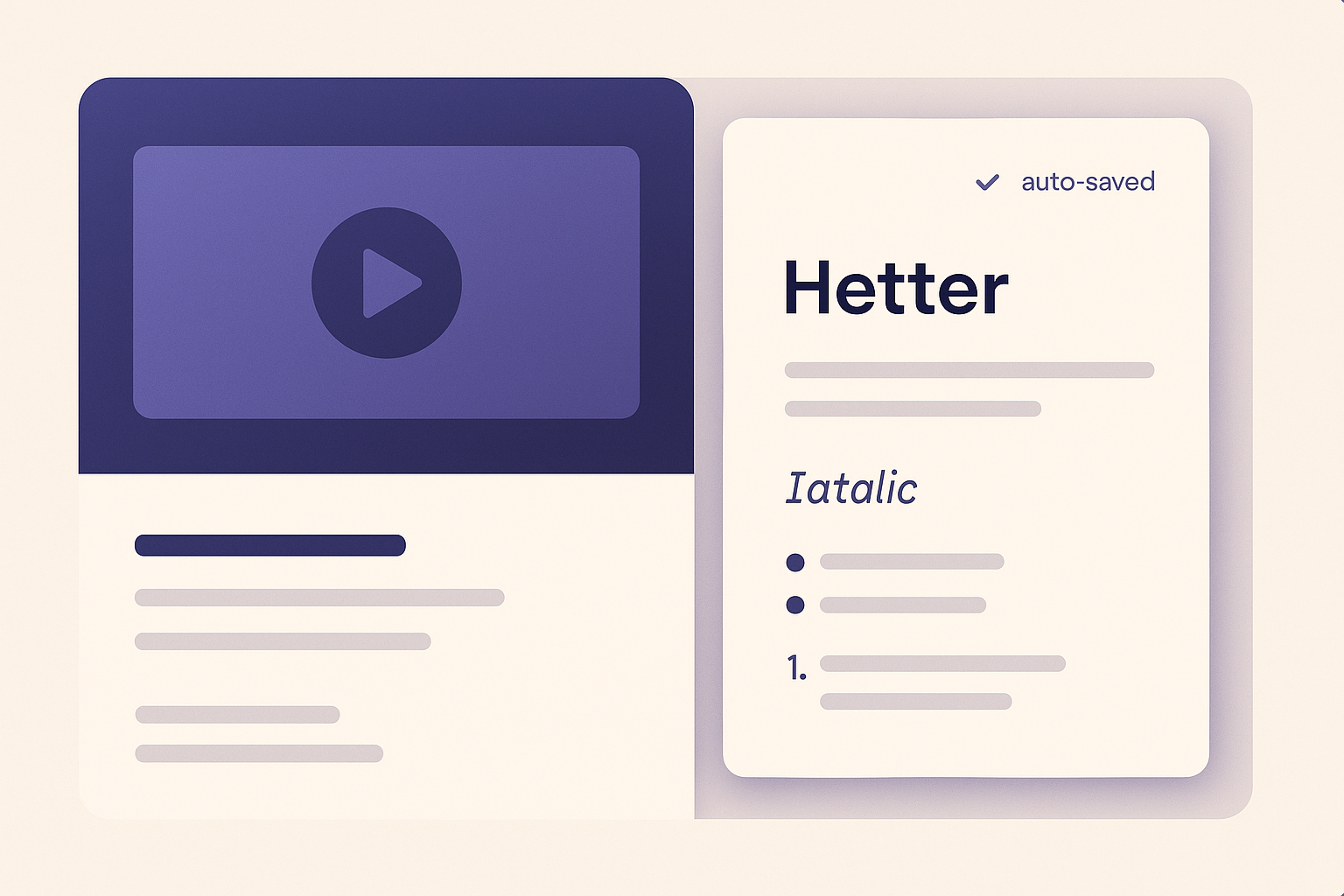
What the learner experiences
Notes that follow the learner, not the device.
A private notebook sits in a second tab beside the tutor. It auto-saves to the cloud with clear save-state indicators and syncs across the learner's devices when they are signed in.
Why course owners care
A course that feels more valuable and more memorable.
When learners build their own notes, the course becomes a working reference rather than a one-time watch. The exported PDF is stamped with the course title and the learner's name when available.
Learner notes, answered
Are notes private to each learner?
Yes. The notebook is private to the individual learner and syncs to their account across devices when signed in.
Can learners export their notes?
Yes. Learners can copy to the clipboard or download a PDF that includes the course title and their name when available.
Is this enabled for every course?
Notes are enabled per course as part of the implementation, so it fits courses where a notebook adds real value.
Add a notebook learners will actually use.
Tell us about your course and we will scope a learner notes experience that fits.
Discovery
Tell us about your course
We will follow up to discuss learner notes for your course.